Web design · 01 · Évora
A quote builder that ends in WhatsApp, for a heritage house from 1932
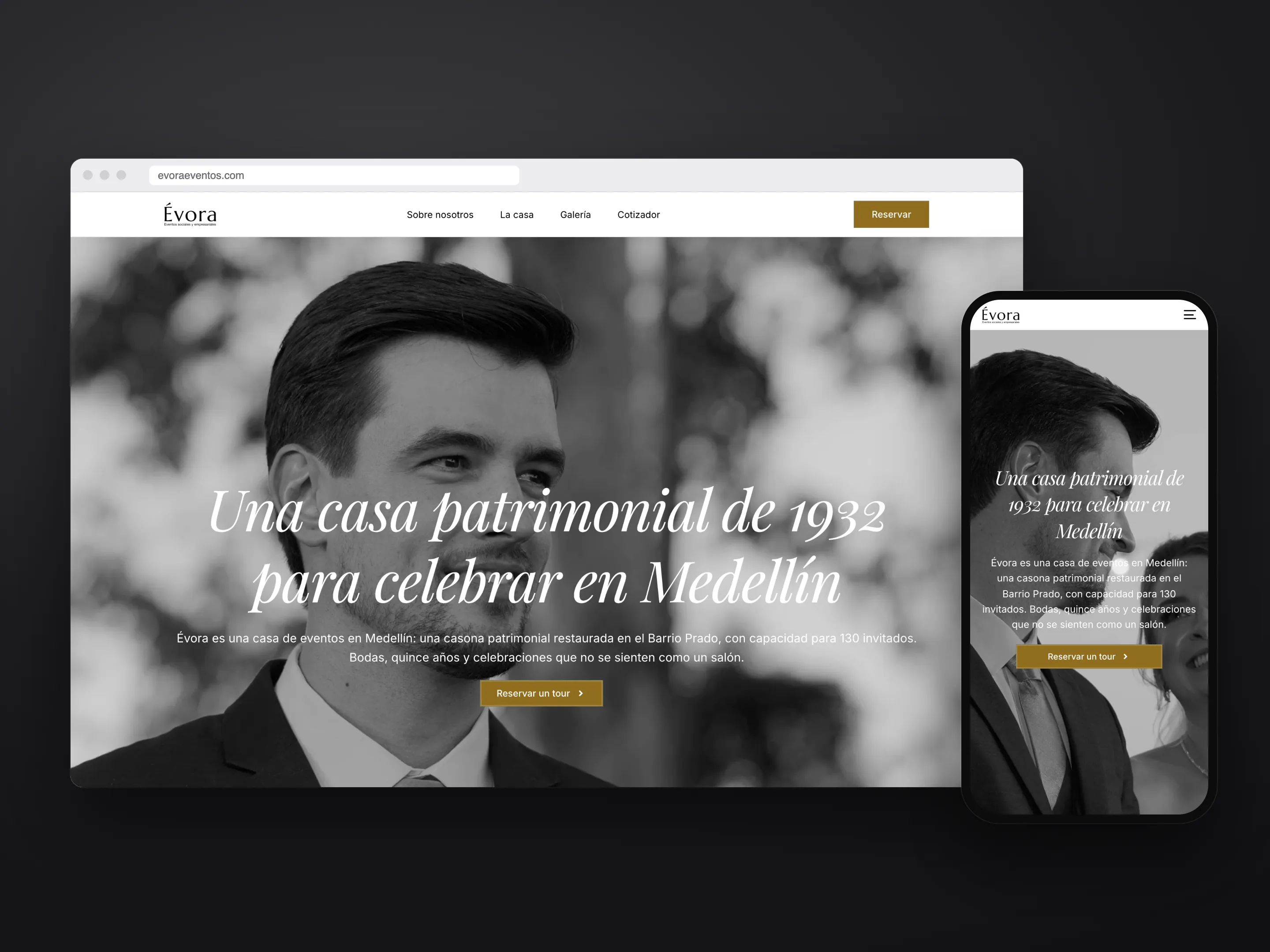
Évora is an event venue in a heritage house in Barrio Prado, Medellín. I designed the site in Figma and built it in WordPress with Elementor, without Pro: whatever the editor couldn’t do, I wrote in my own JavaScript and CSS.
01
Selling the place, not the venue
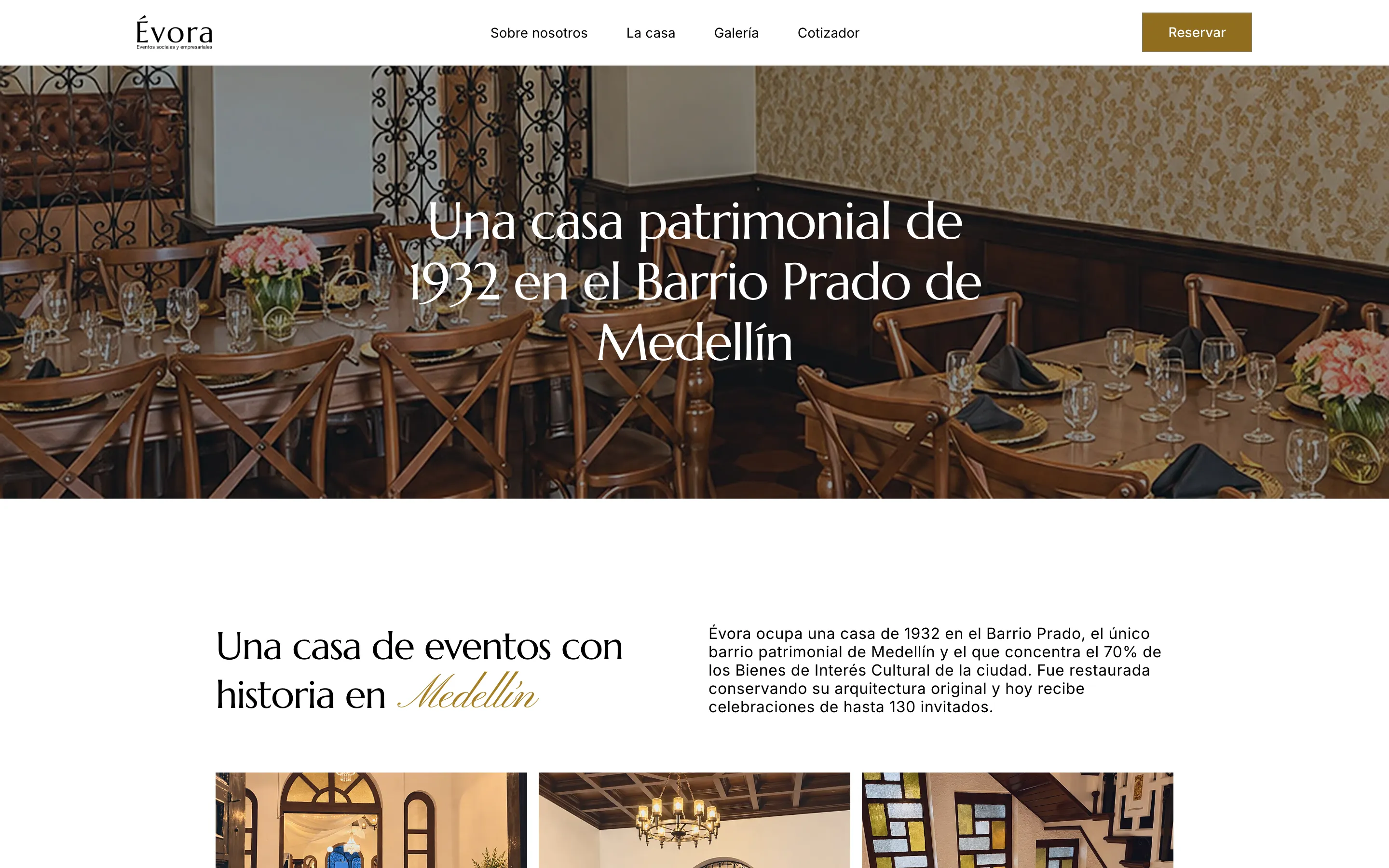
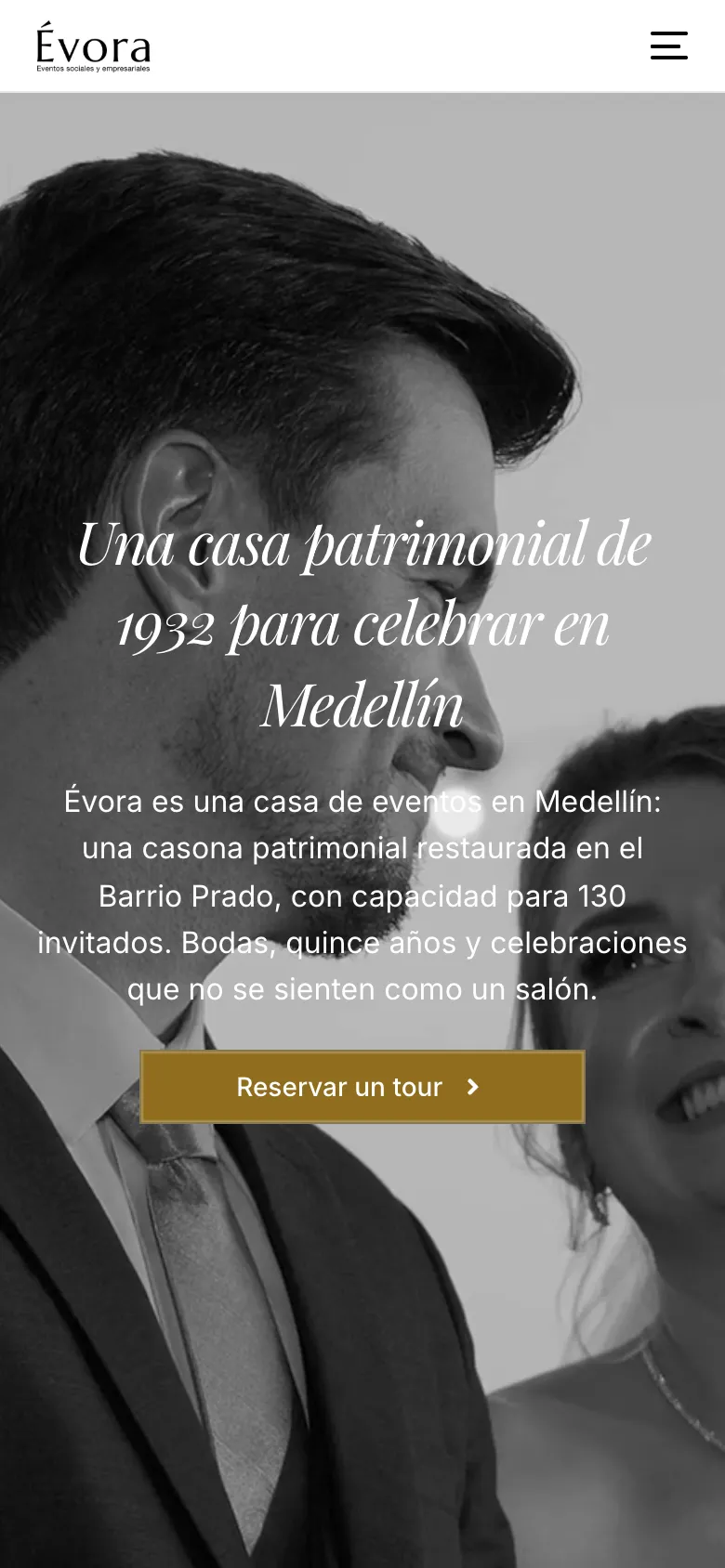
Évora sits in a house built in 1932 in Barrio Prado, Medellín’s heritage district. Looking at the local competition, nobody had both: the people telling the neighborhood’s story didn’t host events, and the ones hosting events didn’t have a website.
So the headlines talk about the house before the service. The site has a single job: get people into WhatsApp with their event already described.
02
A four-step quote builder that summarizes itself
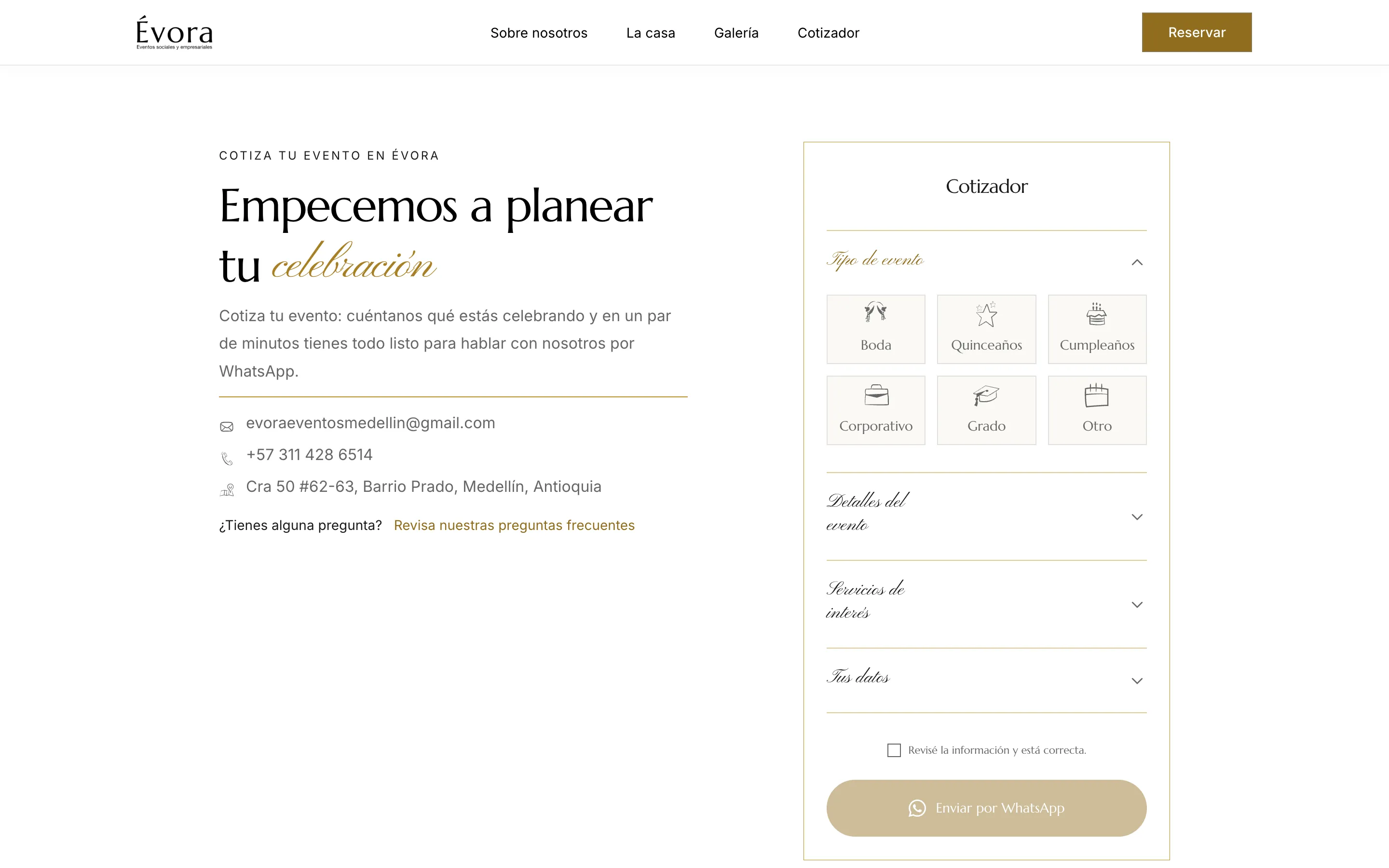
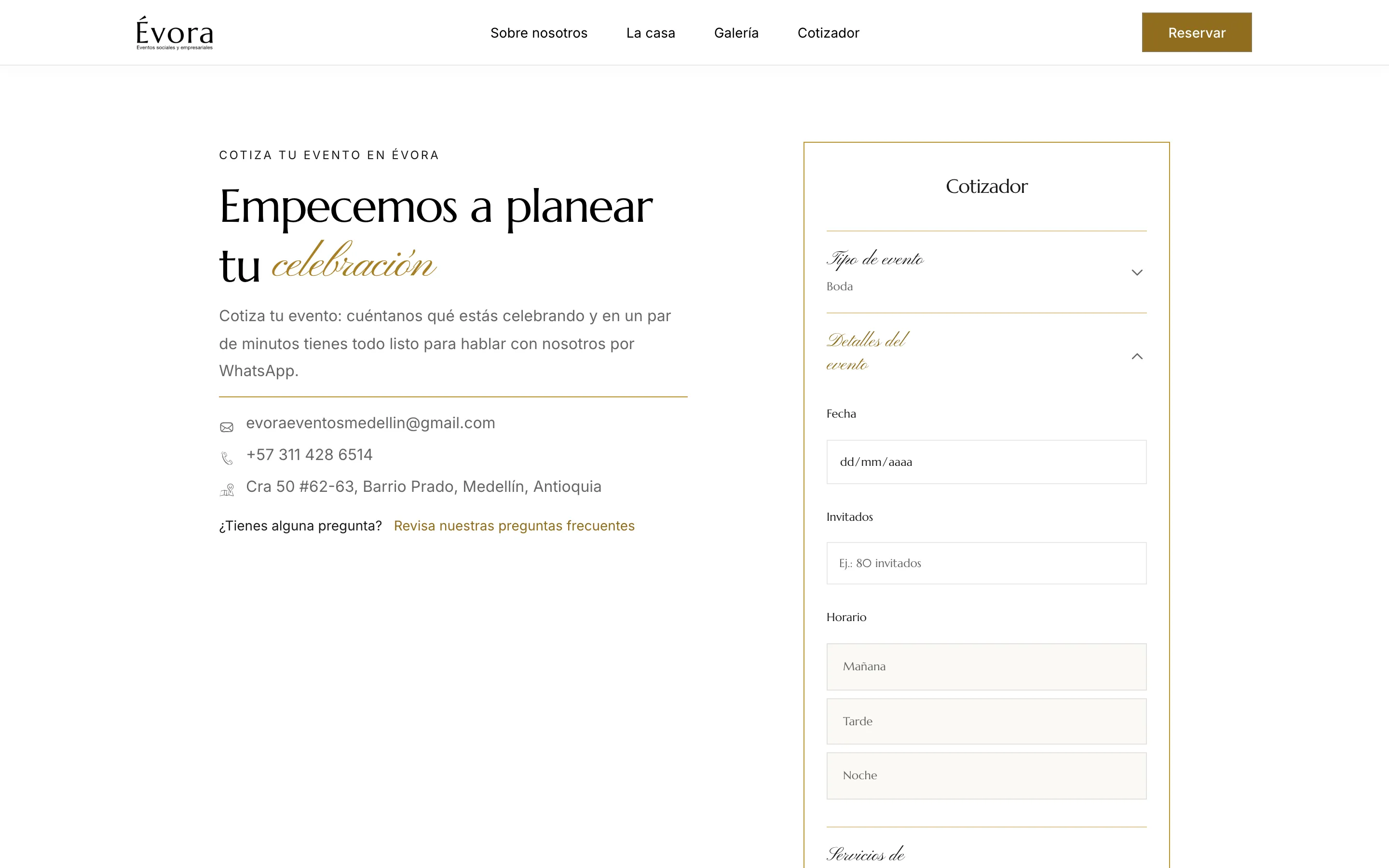
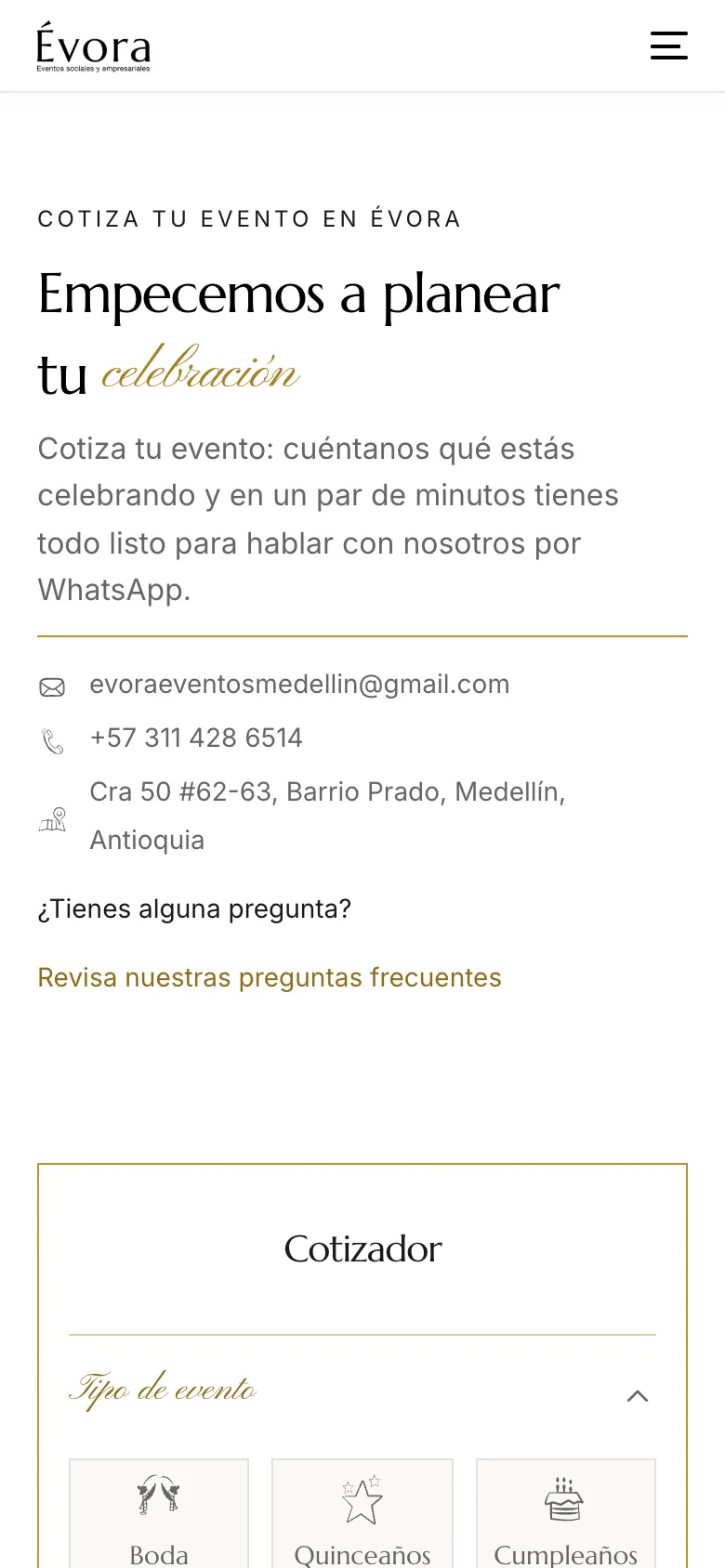
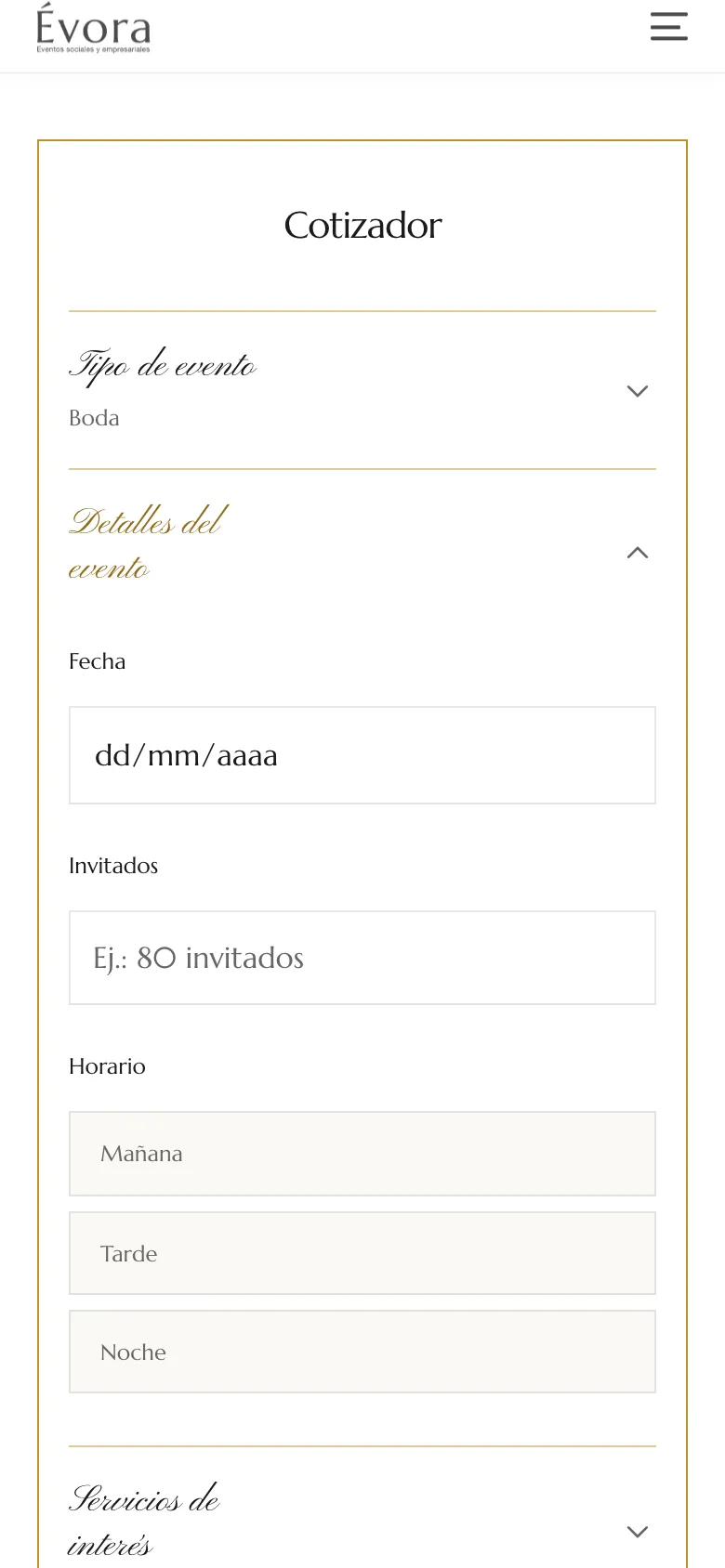
The client wanted a five-screen wizard like a competitor’s. I tried three versions in Figma: their cards with 3D icons, a long form with every step open (1,451 px tall on mobile) and an accordion (743 px). The accordion won.
Each closed step shows its answer in the header, so there’s no summary screen at the end. Picking a single-choice option closes the step and opens the next one; Services doesn’t, because you can pick several. On send, the browser writes the message and opens WhatsApp: no server, no database, no outgoing email.
03
The decisions, one by one
| Decision | Instead of | Why |
|---|---|---|
| An email form | The site had no outgoing mail and Évora already sells over WhatsApp: leads land where deals close | |
| Four-step accordion | A five-screen wizard | Half the height of the open version, and no summary screen |
| Guests as a free number | A slider, then ranges as chips | Elementor has no range control, and nobody knows months ahead whether it’ll be 83 or 87. In the end, a number with no cap: anything above capacity gets sorted out in the chat |
| Native date input | A masked text field | Opens the system date picker on phones. Limited to between today and three years ahead |
| Errors only after a mistake | Validating on load | Flagging what’s missing before anyone touches a field greets people with a scolding |
04
Where Elementor stopped, my own code
Skipping Elementor Pro was a budget call, and it meant building three pieces by hand: the header, the carousel and the quote builder. Each one is a snippet of HTML, CSS and JavaScript that lives on the site, so the client can leave it alone while editing everything else from the panel.
- Quote builder: Elementor v4 atomic widgets have no form inputs, so the containers are created empty in the editor and the script injects the date, guests, name and notes, each with an accessible name.
- Header: hides on scroll down and comes back on scroll up. It didn’t stick because its container was exactly as tall as the header and had no room to travel; fixed positioning with reserved space solved it.
- Carousel: continuous motion that pauses on hover, drags with mouse or finger, and respects the reduced-motion setting.
- One gold word per headline: Elementor v4 doesn’t take nested selectors, so each headline is split into several headings.
05
Auditing my own build, then measuring again
Once the site was live, I audited it against WCAG 2.2 AA: axe-core on desktop and mobile, plus a manual keyboard pass. It turned up 16 issues. The worst one: the quote builder, the core of the site, couldn’t be used without a mouse.
- Issues in the audit
- 16
- Critical: blocked quoting or reading
- 5
- Automated failures after, on 4 of 5 pages
- 0
| Issue | Before | Now |
|---|---|---|
| Keyboard quote builder | Options were divs with no role or tabindex | 13 options as radios or checkboxes, in 3 named groups |
| Fields and checkbox | No name for screen readers | Every field named; the whole checkbox line is clickable |
| Brand gold | #BF932A: 2.83:1 on white | #8F6D1D for small text and buttons: 4.8:1 |
| Background video | Autoplayed with no pause | A pause/play button; the video itself hidden from screen readers |
| Focus and navigation | No visible focus, no skip link | Visible focus site-wide and a “Skip to content” link |
After the fixes I ran axe on the live site again: zero failures on Home, The house, About and the quote builder. The Gallery page, published later, still has two buttons with low contrast. Axe only catches part of the problems: testing with VoiceOver and at 200% zoom is still pending.
06
How I split the work with Claude Code
I built the site with Claude Code connected to Elementor and Figma over MCP. I’d hand it a Figma node, it built that section, and we measured it in the browser against the file before moving on.
- Claude Code: much of the Elementor build, the three scripts, SEO-minded copy, cropping 35 images and the 1.2 MB black-and-white hero video.
- Me: all the design in Figma, the three quote builder versions, the hand-drawn icons, rebuilding pages, the accessibility audit and QA in the browser and on the phone.
Halfway through I changed how we worked: design in Figma first, build second, because sections built without a design didn’t come out the way I wanted. And ask for exact changes, after one tweak rewrote a line nobody had asked to touch.
07
What shipped, and what Search Console shows
The site runs Google Analytics and Search Console. I proposed a full SEO strategy, but the client chose not to implement it, so what Search Console shows is the starting point with the technical groundwork, not the result of that strategy.
- Average position on Google
- 3.8
- Average CTR
- 11.9%
- Impressions in 28 days
- 168
The groundwork that is live on the site:
- A quote builder that hands WhatsApp a tidy message: event type, date, guests, time of day, services and name.
- Five pages with titles and meta descriptions written for local search, and an H1 that names the house and the city.
- Zero automated accessibility failures on four of the five pages.